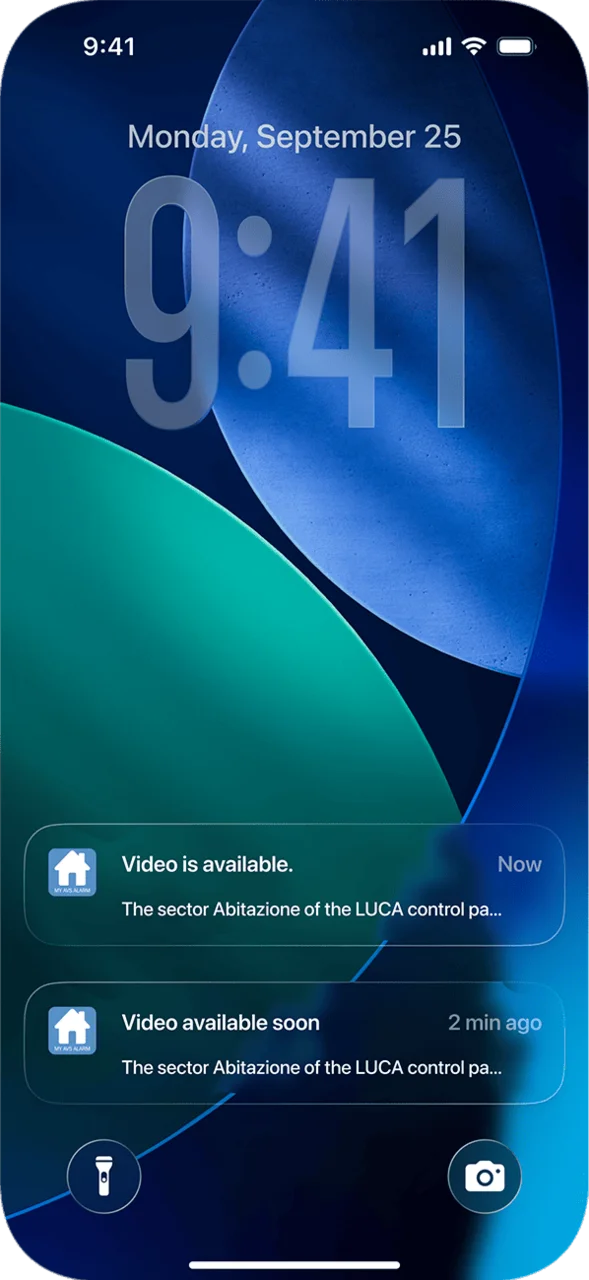
If you are an end user and wish to use the MyAVS Alarm app, simply download it from the Apple Store or Google Play, then register and activate the MyAVS Alarm Cloud services directly from the www.myavsalarm.com portal.
To take advantage of this opportunity, we recommend contacting your trusted installer to check the compatibility of your AVS system.
My AVS Alarm
The APP designed for the end user to manage the alarm system at any time.
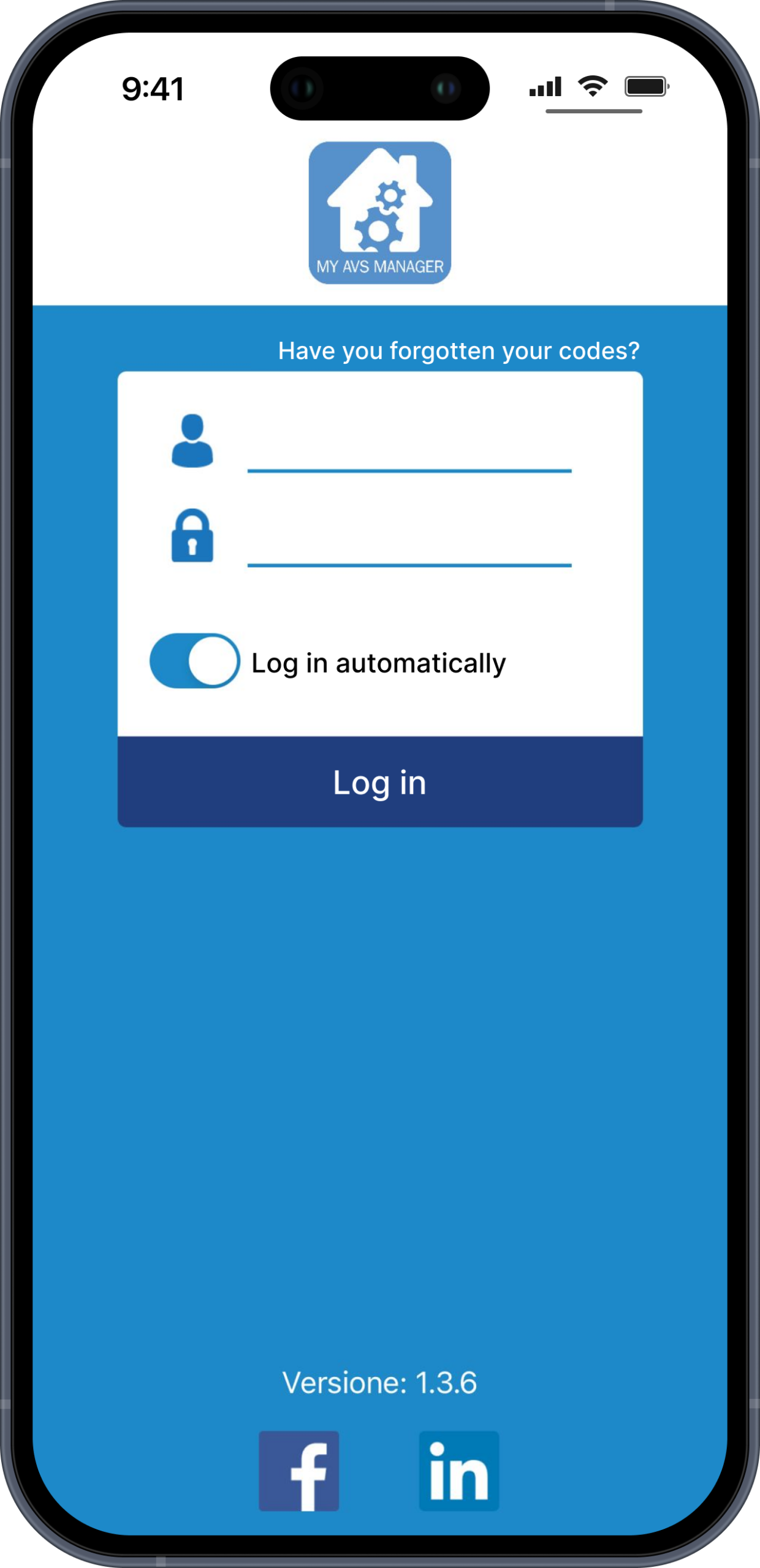
If you are an installer, you can use the MyAVS Manager app to program Raptor control panels and request registration in the reserved area of the portal www.myavsalarm.com to access the services and initiatives dedicated to you.
Once registration is approved, you will receive a unique identification code that will allow you to activate your customers’ systems.
My AVS Manager
The APP designed for installers to program RAPTOR control units
MyAVS Manager services
By accessing the MyAVS Cloud, the installer can easily and centrally manage their customers and their installations.
The installer accredited on the MyAVS Alarm portal has access to a wide range of services: some are available through the reserved area of the portal dedicated to installers (www.myavsalarm.com), others through the MyAVS Manager application, which allows for quick and immediate operational control even from mobile devices.
General functions
Through the Portal and the App, you can register new systems, view online/offline control panels in real time, and consult the history of connection events.
Invitation Management
The system allows you to enable other collaborators to use Cloud services via a named invitation, allowing them to operate with the XWIN/BIOS software or via the MyAVS Manager application.
Marketing Area
The portal offers a dedicated Marketing area that allows you to:
- send push notifications to your customers,
- customize the app by inserting your own interactive company logo, through which users can access the installer’s data and associated services, such as direct calls, sending emails, and opening the location on maps.
Additional functions
The app also provides access to advanced features, such as activating extended warranties for products that include this option.